
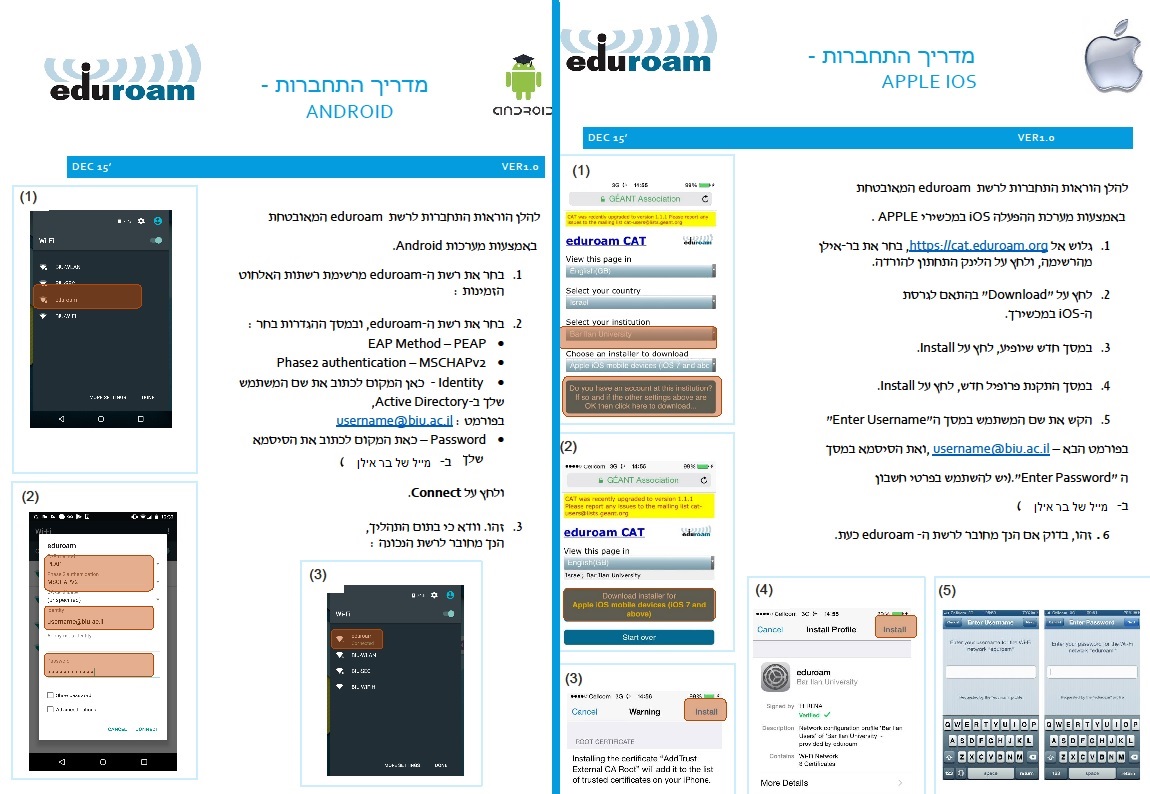
- Download eduroam for windows or for mac, or click here for Android/Apple IOS
- Run the file you just downloaded and press “next“.
- Press “ok“.
- Type your username and password (the same username and password like bar ilan mail)
- Press on “Finish“.
- Download this file to your desktop
7. Click Start and Type CMD and right click on it and click “Run as administrator”.
8. type: Netsh wlan add profile filename=”%userprofile%\desktop\eduroam.txt
and press Enter.